According to the relevant laws and regulations of mainland China, you can only use social
acceleration after passing real-name authentication.

According to the relevant laws and regulations of mainland China, you can only use social
acceleration after passing real-name authentication.
According to the relevant laws and regulations of mainland China, you can only use social acceleration
after passing real-name authentication.



[Gamer Exclusive] Say Goodbye to Ping Spikes and Disconnections: Effectively Reduce
Game Packet Loss and Latency
#Tutorials & Guides
Have you ever experienced such moments of despair?
- In Valorant, you land a perfect headshot, but the enemy instantly "teleports" behind you
and kills you.
- In League of Legends, a team fight is about to break out, but your screen suddenly freezes, and when it
recovers, you're already dead, with teammates spamming
question marks.
- In Elden Ring, facing a boss, a dodge command fails to respond due to latency, and
your hard-earned "Runes" evaporate.
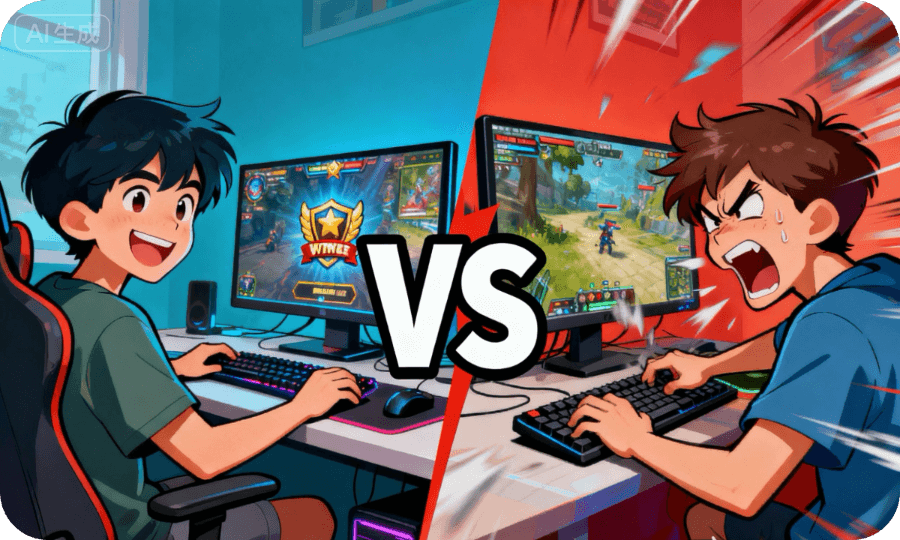
If the answer is yes, then you are suffering from high latency (High Ping) and packet loss (Packet Loss).
Don't worry, this isn't just your problem—it's the common
"nemesis" of all players. Today, we'll understand them in simple terms and provide a set of effective
solutions to restore your smooth gaming experience!
Chapter 1: Know Your Enemy—What Are Latency and Packet Loss?
Before we start "treatment," we need to accurately "diagnose" the problem.
1. Latency: How long does your action take to reach the server?
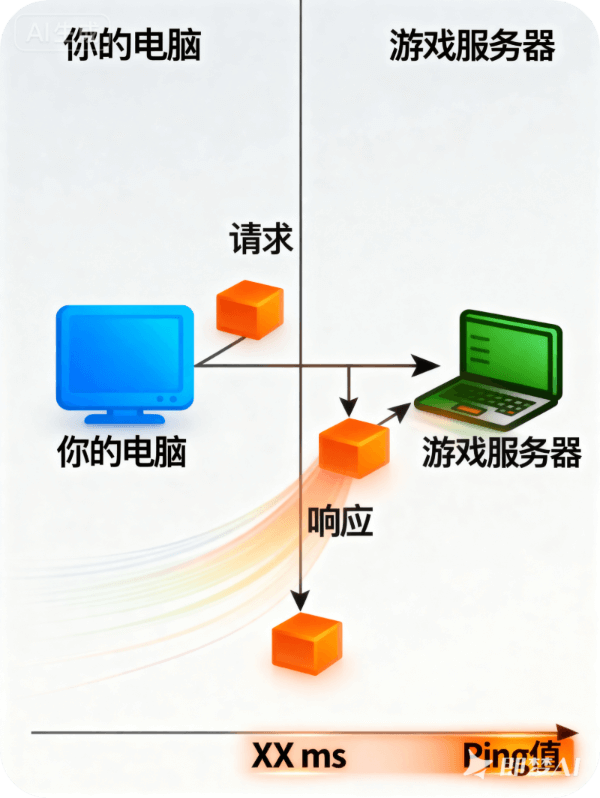
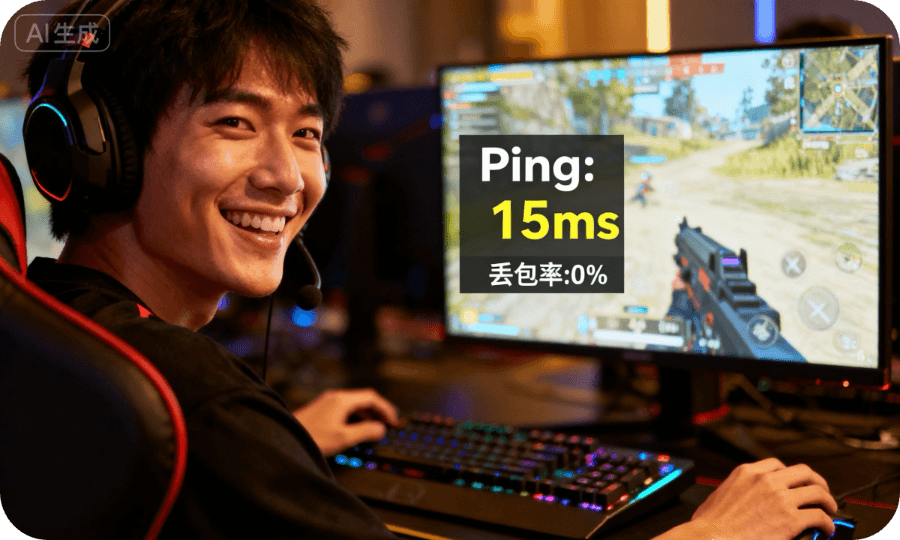
Latency, commonly known as "Ping value," refers to the time it takes for your computer to send a data packet
to the game server and receive the server's response. The
unit is milliseconds (ms).
- < 30ms: Excellent, professional player level.
- 30ms - 60ms: Good, very smooth.
- 60ms - 100ms: Average, playable, but affects high-speed competitive games.
- > 100ms: Poor, noticeably delayed operations.
- > 200ms: Nightmare, basically goodbye to competitive gaming.
2. Packet Loss: Your actions "disappear" halfway!
Packet loss is even more annoying. Imagine you're sending letters (data packets) through the post office, but
some letters mysteriously get lost along the way. In
games, this means your "move" or "shoot" commands never reach the server, or you don't receive the server's
feedback about "enemy positions." The result is characters
"teleporting," "rubber-banding," or "getting stuck"
.

Chapter 2: Targeted Solutions—Root Causes of High Latency and Packet Loss
Now, let's systematically identify and solve these problems one by one.
Culprit 1: Unstable Wi-Fi Signal (Most Common Cause!)
Wireless signals are easily affected by distance, wall obstructions, and interference from other electronic
devices (such as microwaves, Bluetooth devices), causing
signal strength fluctuations and packet loss.
Solutions:
1. Prioritize wired connection: This is the most effective and stable method. Use a gigabit Ethernet cable
(Cat5e or above) to directly connect your computer or gaming
console to the router. This is the first rule for reducing latency and packet loss!
2. Optimize Wi-Fi environment: If you must use Wi-Fi:
- Move closer to router: Reduce distance and obstacles.
- Use 5GHz band: 5GHz is faster and has less interference than 2.4GHz, but weaker wall
penetration.
- Channel optimization: Log into router settings and choose a less crowded channel.

Culprit 2: Network Bandwidth Hijacked
When your family members are watching 4K movies online, downloading large files, or conducting video
conferences, they consume a large amount of your upload and
download bandwidth, causing game data packets to queue up and latency to spike.
Solutions:
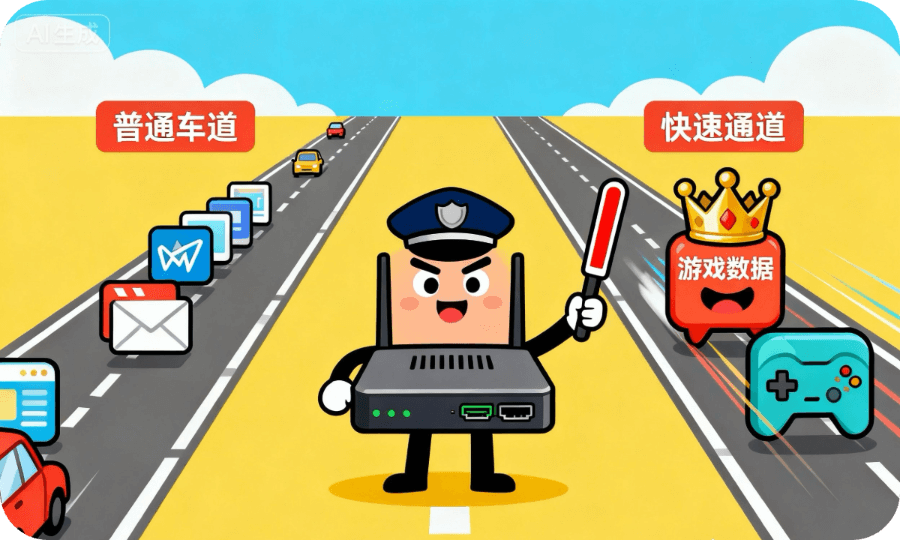
1. Router QoS functionality: This is your "secret weapon." QoS allows you to set the highest priority for game
data. Log into your router settings interface, find the
QoS (Quality of Service) option, and set your gaming device or game program to the highest priority.
2. Communication and coordination: When playing important ranked matches, ask family members to temporarily
avoid high-traffic operations.
Culprit 3: Server Distance Too Far or Server Issues
The game server you're connecting to may be physically very far from you, or the
server may be experiencing high load at that time.
Solutions:
1. Manually select server region: Before starting the game, choose the server **closest to your geographical
location** from the in-game server list (such as Asia,
Southeast Asia, China servers, etc.).
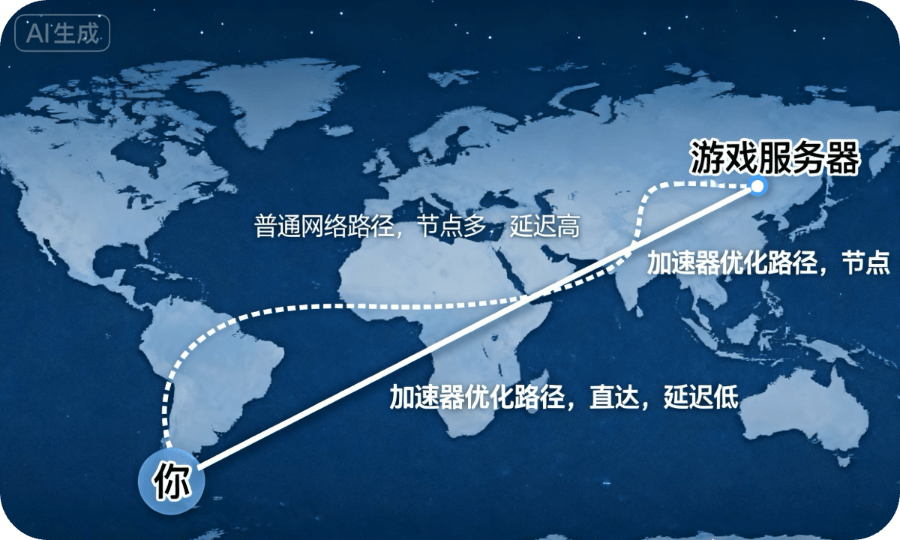
2. Use game accelerator: This is a very effective solution for domestic network environments. Game
accelerators deploy multiple optimized dedicated lines, allowing you
to connect to game servers through shorter and more stable paths, especially effective for connecting to
overseas servers.
Culprit 4: Local System or Background Programs Consuming Resources
Background programs running on your computer (such as Windows automatic updates, cloud drive synchronization,
antivirus scans) may consume CPU and network resources.
Solutions:
1. Clean up background before gaming: Press Ctrl+Shift+Esc to open Task Manager and close
unnecessary applications.
2. Enable Game Mode: Turn on "Game Mode" in Windows settings, which prioritizes
system resources for games.
Chapter 3: Advanced Tips and Tools
If you've tried the above methods but the problem persists, you can try these:
- Flush DNS cache: In Command Prompt (run as administrator), enter ipconfig /flushdns.
- Change to public DNS: Change your DNS server to faster, more stable public DNS like
114.114.114.114 or Google DNS (8.8.8.8, 8.8.4.4).
- Use network diagnostic tools: Like PingPlotter or WinMTR, continuously track the path to the game server IP
to identify exactly which network node is experiencing
high latency or packet loss.
Conclusion: Smooth Gaming Starts Now!
Saying goodbye to ping spikes and disconnections isn't difficult. Here's a summary of
the core steps:
1. Foundation: Abandon Wi-Fi, use Ethernet cable.
2. Optimization: Enable router QoS functionality.
3. Selection: Choose the correct server region in-game.
4. Secret weapon: Consider using a game accelerator if needed.
We hope this guide helps you completely eliminate network issues, allowing you to move freely on the virtual
battlefield and showcase your skills! Wishing you happy
gaming and victory in every match!


 service@speedx.link



© 2025 All rights reserved.SpeedX
Nantong TuiLiang Technology Co., Ltd

增值电信业务经营许可证:
B1-20252608