According to the relevant laws and regulations of mainland China, you can only use social
acceleration after passing real-name authentication.

According to the relevant laws and regulations of mainland China, you can only use social
acceleration after passing real-name authentication.According
to the relevant laws and regulations of mainland China, you can only use social acceleration after passing
real-name authentication.



[Video Lag Fix] Unlock Smooth Streaming: Solve Domestic Video Platform Speed
Throttling
#Tutorials & Guides
1. Choose routes under "Return Video" mode: This is the most crucial step! Make sure to select nodes
specifically designed for accelerating access to domestic websites
and videos within the App. These nodes provide Chinese mainland IP addresses.
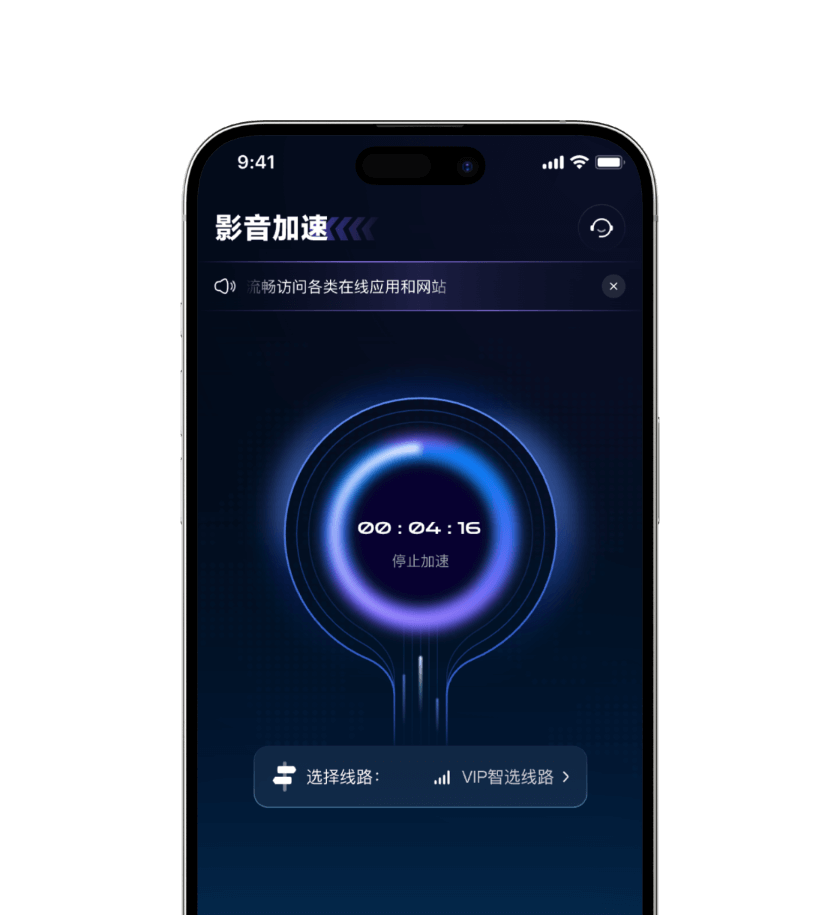
2. Avoid peak nodes: During evening peak hours (domestic time 8-11 PM), popular nodes with concentrated users
may have high load. Try switching to domestic nodes that
show "Good" load status or relatively less popular ones.

3. Check local network: Ensure your Wi-Fi signal is good or cellular data speed is sufficient. You can first
test your local network speed on Speedtest
(https://www.speedtest.net/).
4. Clear cache: Occasionally clear the video App's cache, as this can sometimes
resolve playback lag issues.
Remember the mantra: For domestic videos, always choose return routes!


 service@speedx.link



© 2025 All rights reserved.SpeedX Nantong TuiLiang
Technology Co., Ltd

增值电信业务经营许可证:
B1-20252608